Technical Foundations
MEL Matrix
A Maya MEL scripting project that builds a procedural 3D matrix of objects, using generated geometry, vertex placement, random scale variation, and a custom UI workflow.
- MEL scripting for procedural object generation
- Vertex-based placement, random sizing, duplication, and grouping
- Custom MEL UI for controlling the generated matrix object
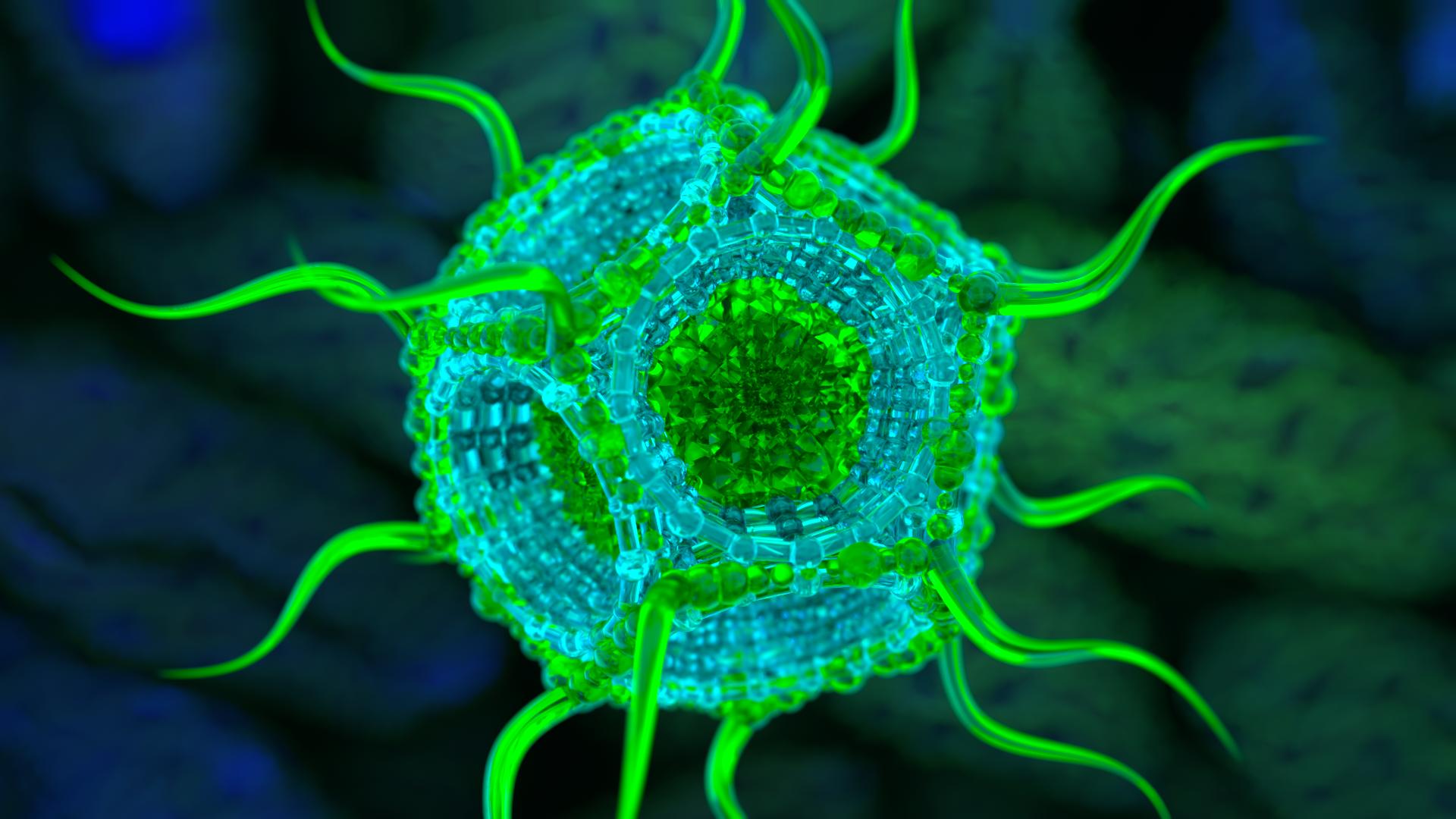
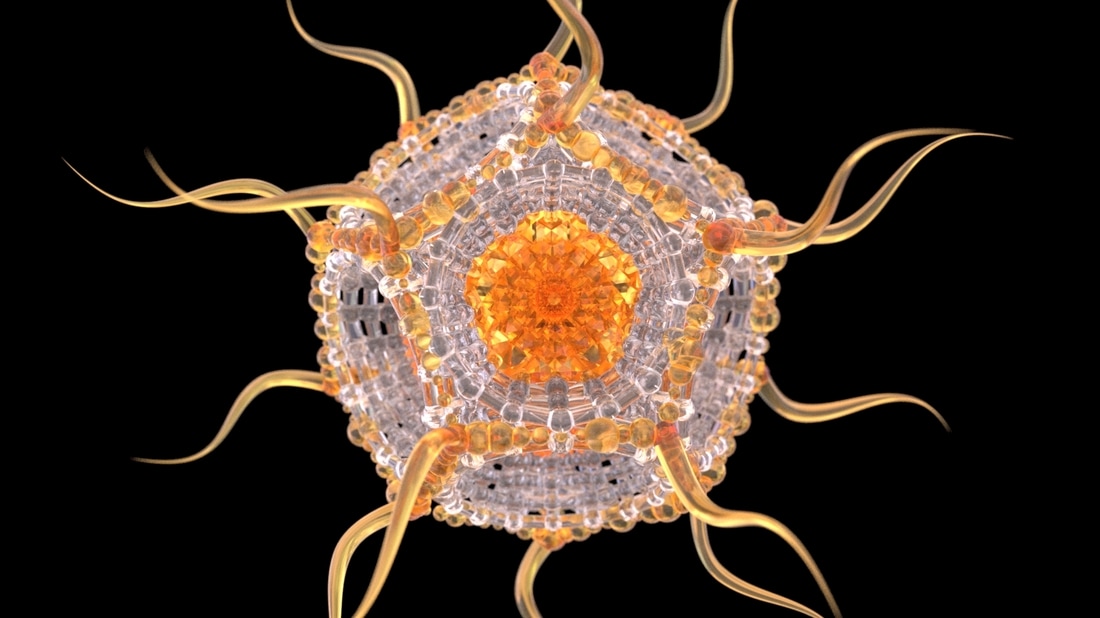
Final Result
Generated micro pollen object created through MEL scripting and procedural construction.
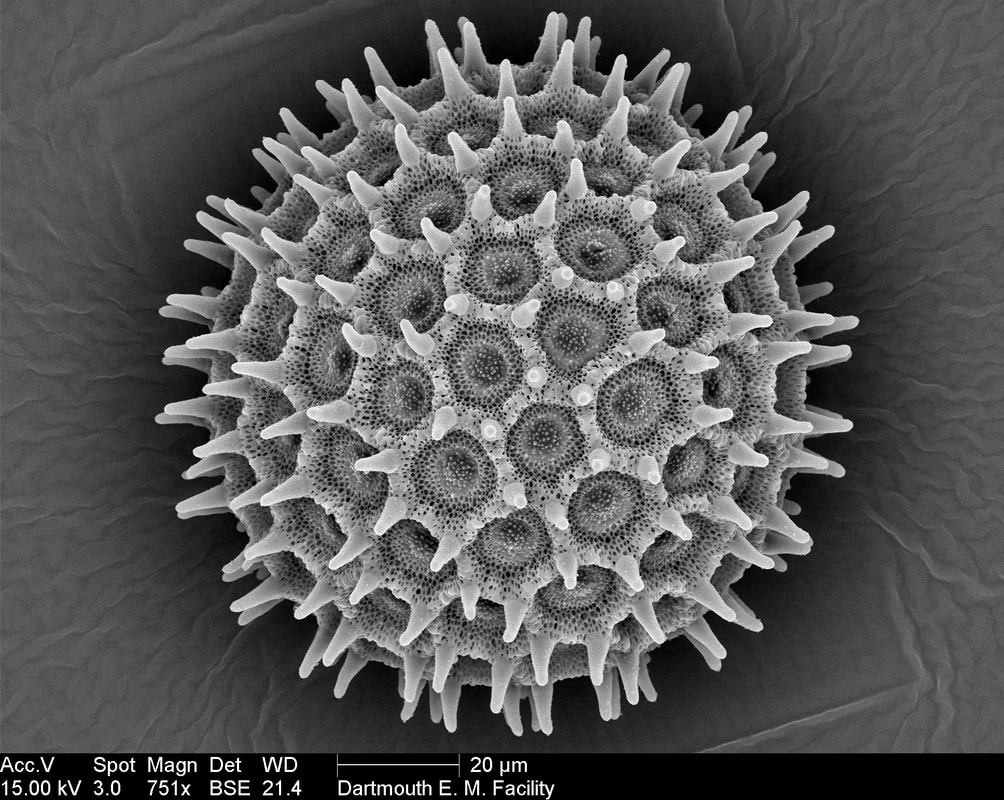
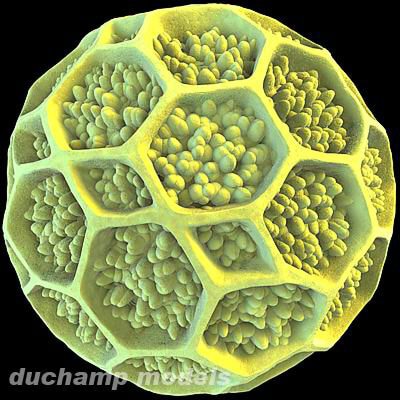
Reference Images
Visual references used for the micro pollen form language.
Technical Breakdown
Step-by-step construction process paired with the related MEL code snippets.
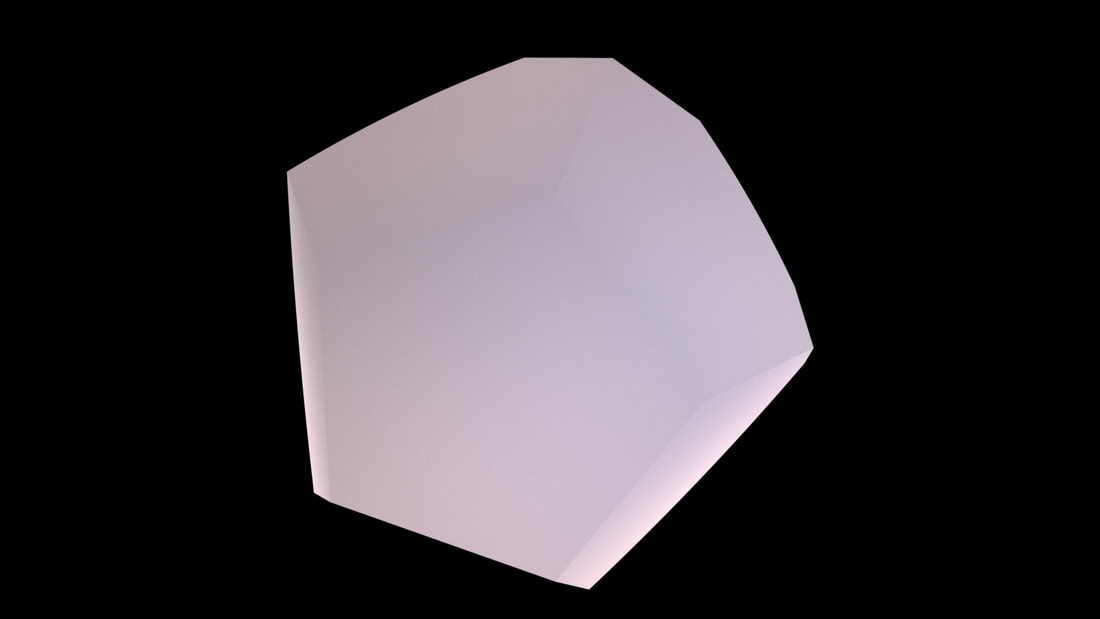
Step 1 — Choose the shape and create as main object
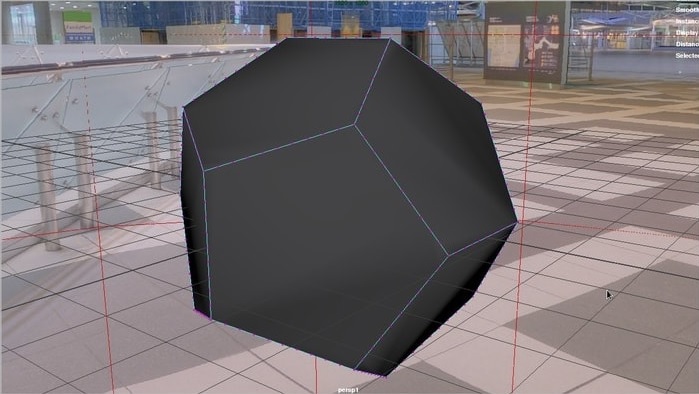
Step 2 — Add more vertices along each edge
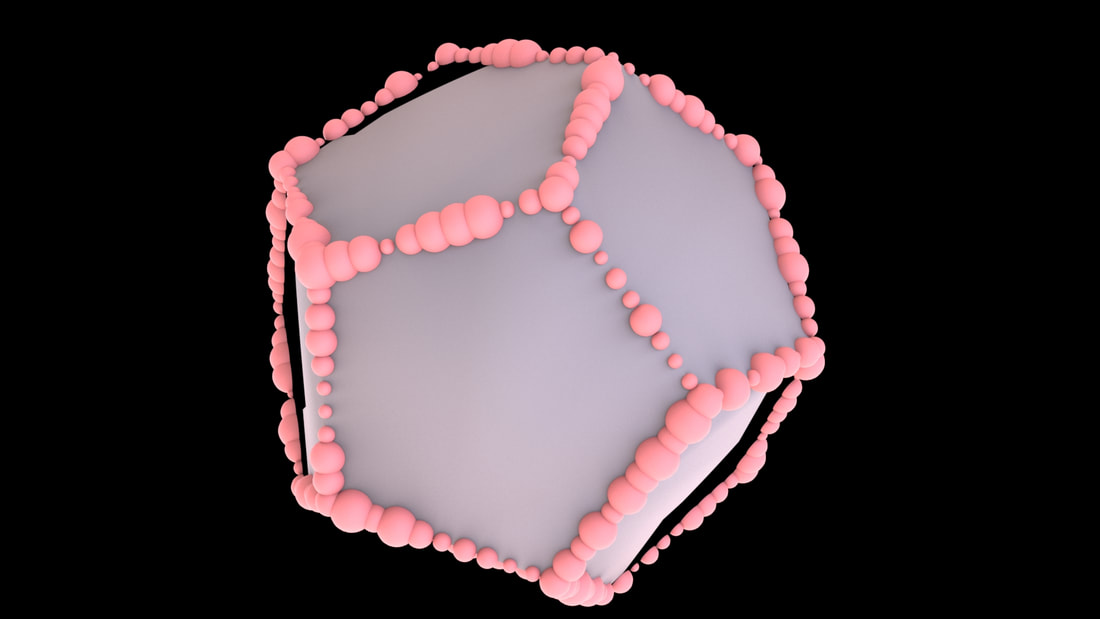
Step 3 — Place random-sized spheres on each vertex
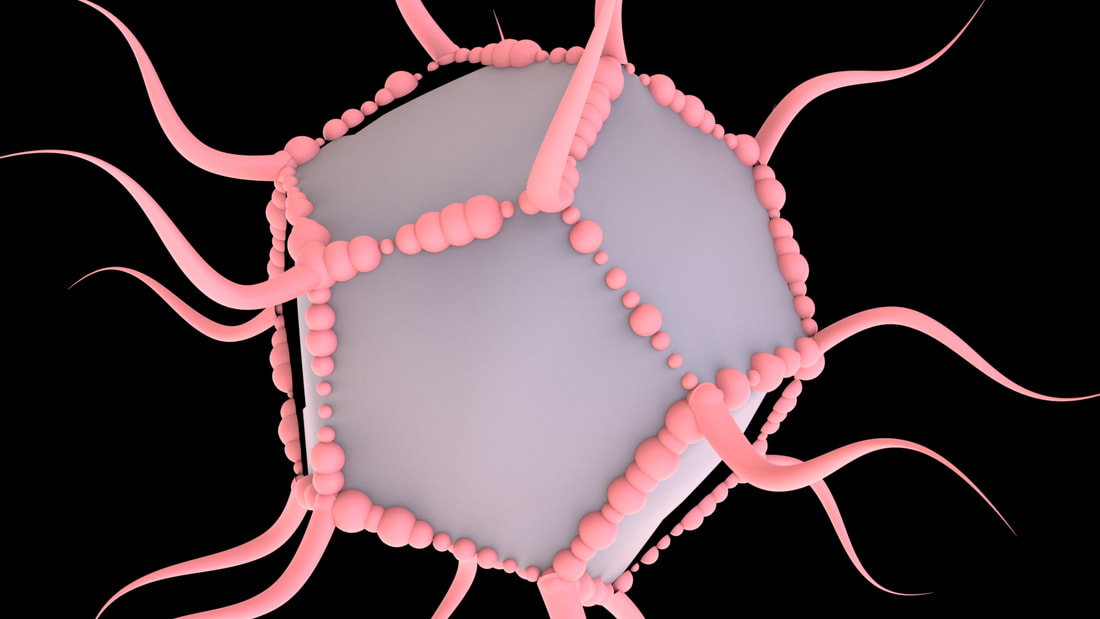
Step 4 — Add twisted horns along the vertex edges

Step 5-1 — Create the sub object frame with half-sphere forms
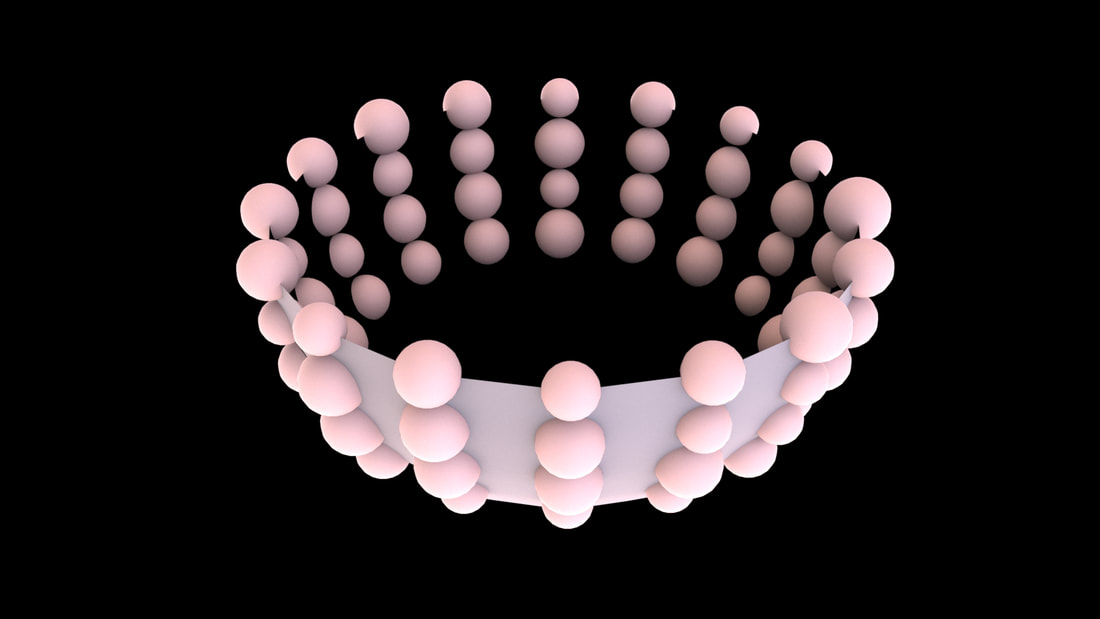
Step 5-2 — Place random-sized small spheres on selected vertices
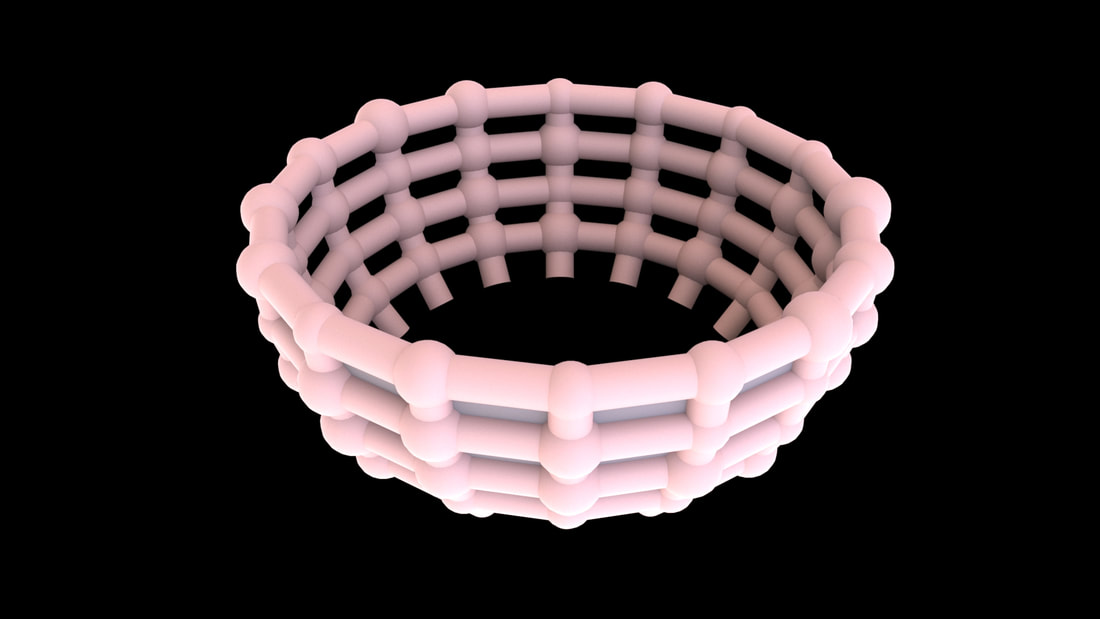
Step 5-3 — Place cylinders along selected edges
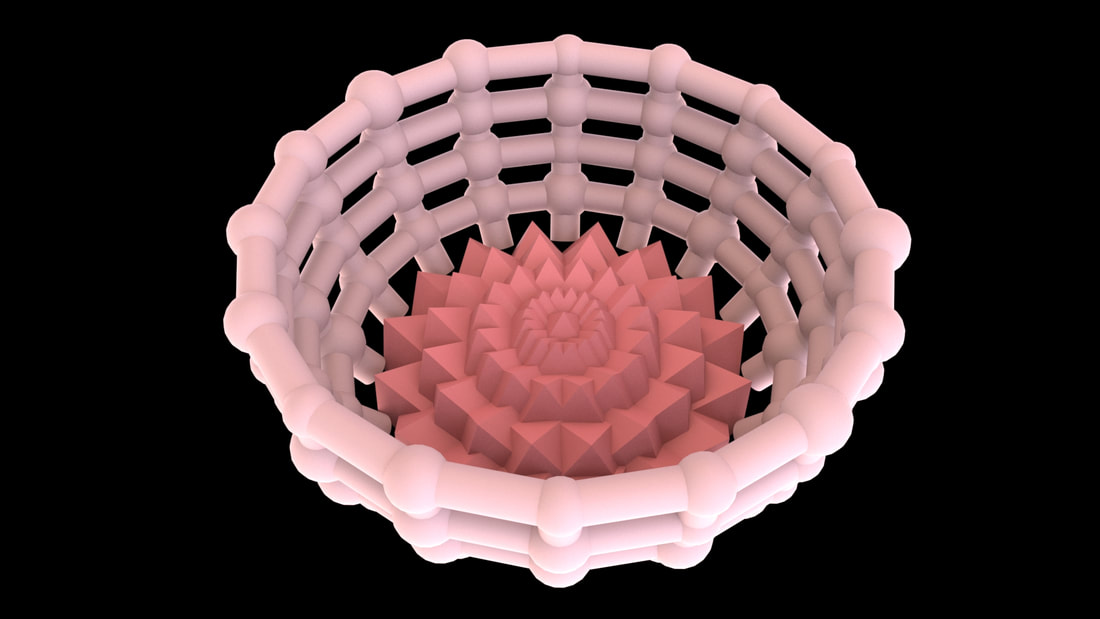
Step 5-4 — Cover remaining faces with inverted pyramids
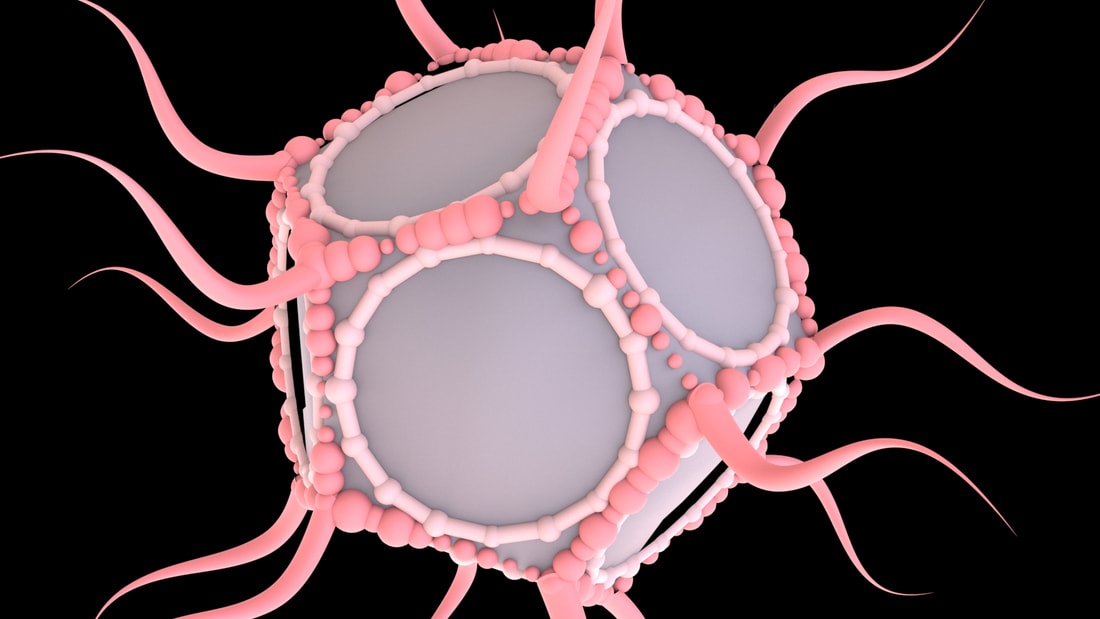
Step 6 — Duplicate the sub object and place it on each face
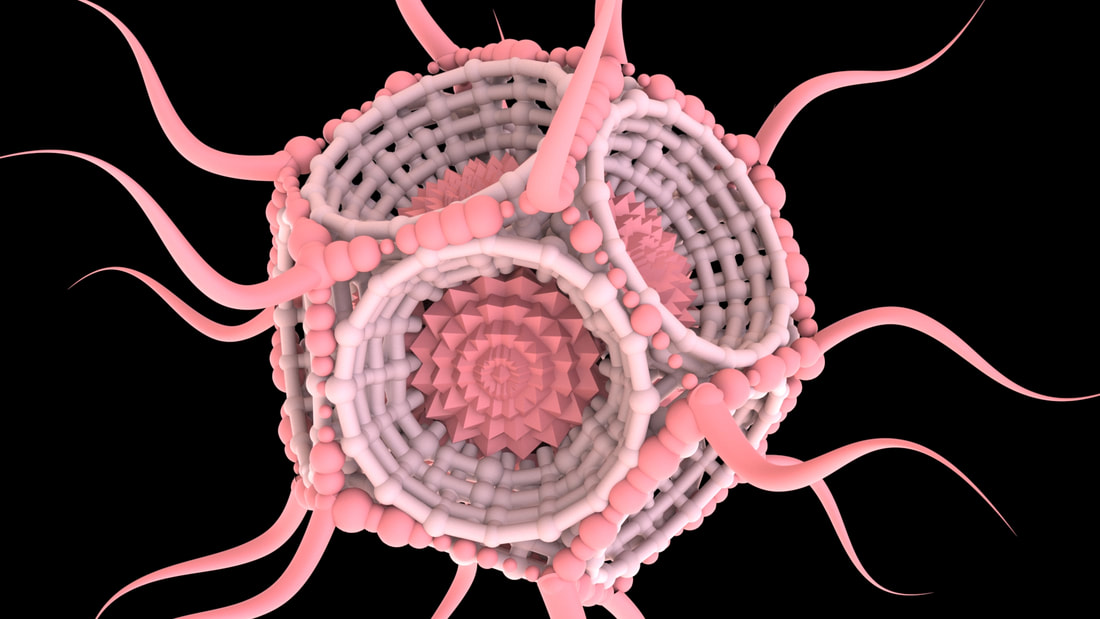
Step 7 — Delete the main guide shape and group the result
User Interface
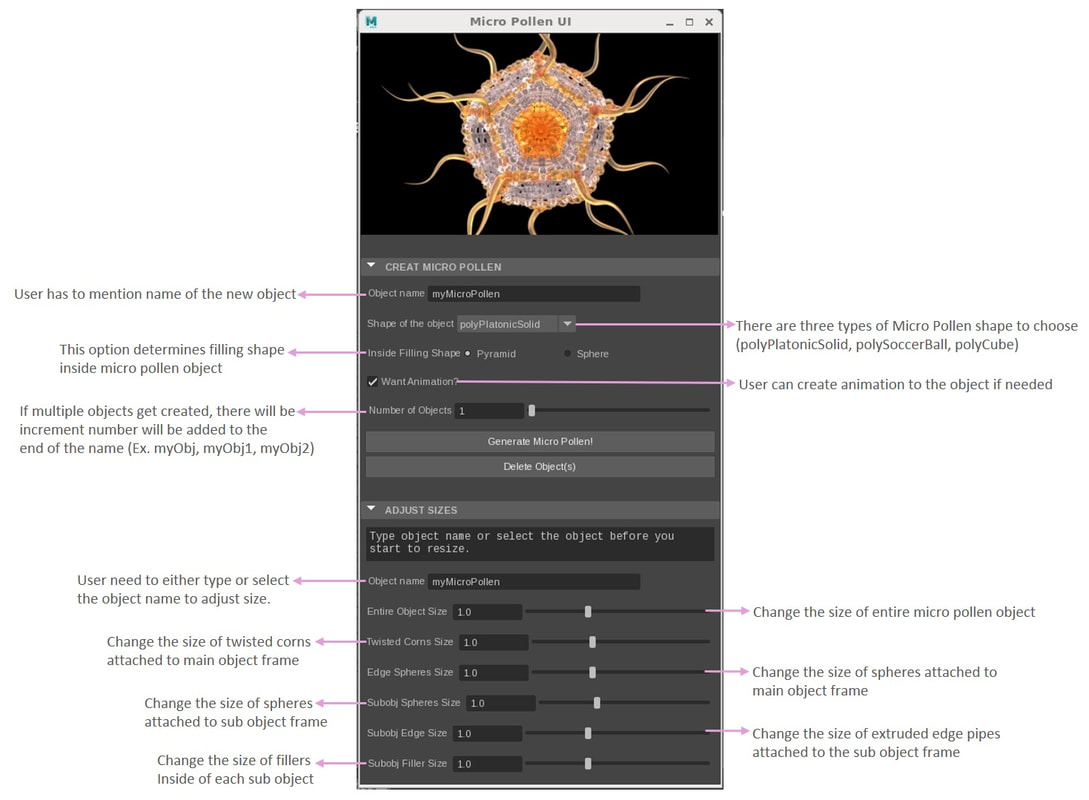
A custom MEL UI for driving and controlling the matrix generation workflow.
UI Description
Interface notes and controls used for the procedural matrix tool.
MEL UI Code
The main UI script displayed in a cleaner code viewer frame.
Download Source Code
Source files from the original project page.